
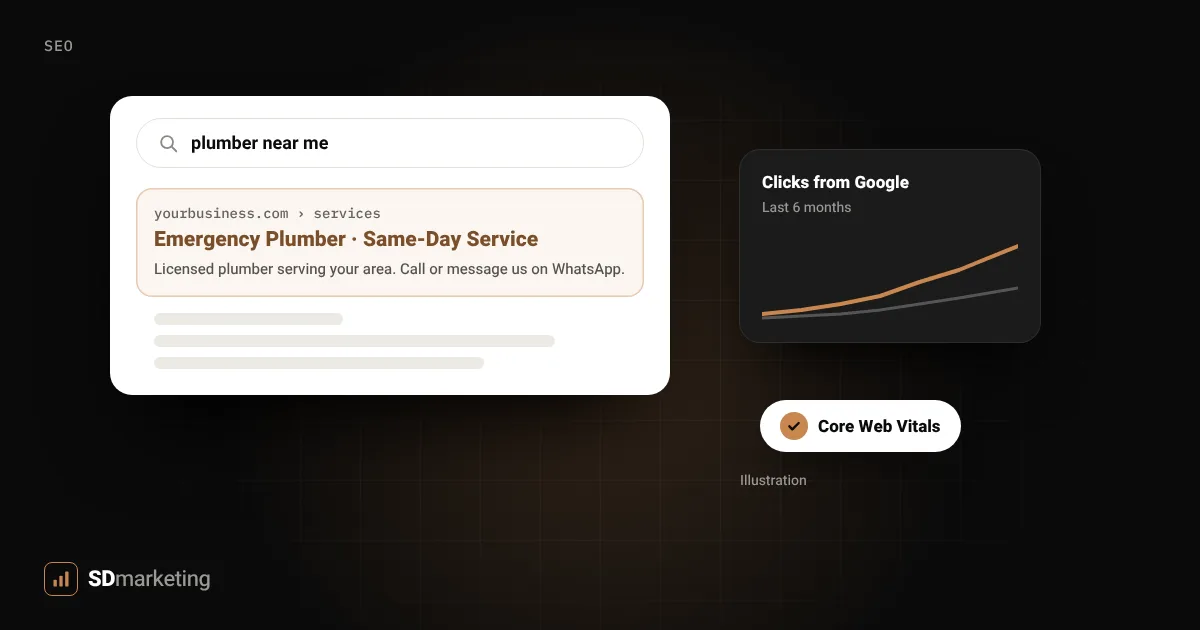
If you run a business, you have probably been promised "page one of Google in 30 days" at least once. Google answers that pitch in its own guidance on hiring an SEO: no one can guarantee a #1 ranking on Google, and if someone guarantees it, you should find someone else.
Small business SEO is steady, methodical work: make sure Google can find your site, learn what your customers actually search for, and build pages that answer those searches better than your competitors do. This guide follows the order I work in when I take on a site for SEO, and every claim links back to Google's own documentation so you can check it yourself.
How Google decides what to show
According to Google, Search works in three stages, and not every page makes it through all of them:
- Crawling: Google's crawlers find a page and download its content.
- Indexing: Google analyzes the page and decides whether to store it in its index.
- Serving: when someone searches, Google picks the most relevant pages from its index.
The practical takeaway: a page that never makes it into the index cannot rank, however good it is. That is why SEO starts with a technical check, not with writing.
Step 1: Make sure Google can see your site
Your first tool is Google Search Console. It is free, and it is where Google tells you directly what it sees on your site: which pages are indexed, which searches you appear for, and what problems it found.
- Verify your domain. A DNS record is the best option, because a domain property covers every version of your site.
- Submit your sitemap (sitemap.xml). It lists every page you want Google to know about.
- Review the Pages report. It shows which pages are indexed and why the others are not.
- Inspect your key pages one by one with the URL Inspection tool, and request indexing after you change them.
From experience: when I moved this site off WordPress and onto a new build with a cleaner URL structure, Search Console started reporting pages Google could no longer find. That is normal after a URL change, as long as you deal with it: a permanent 301 redirect from every old URL to its new address, a 410 status for the WordPress paths that no longer exist, and an updated sitemap. It is the process Google describes in its guide to site moves with URL changes. Skip it, and a new site throws away whatever the old one had built up in Google.
Step 2: Keyword research for a small business
Keyword research starts with the words your customers use. A contractor says "water heater replacement". A homeowner types "no hot water what to do".
The most important idea is search intent: what the person wants to get done when they type the query. Each intent needs a different kind of page. Here is an example for a local plumber:
| The search | What the searcher wants | The page that should answer it |
|---|---|---|
| plumber near me | A nearby professional, now | Service page and Google Business Profile |
| how much does it cost to replace a water heater | A price before calling anyone | Article or FAQ entry |
| why is my toilet running | To fix a problem, maybe without help | How-to article |
| tankless water heater installation | A very specific service | Dedicated service page |
A small business will not beat national sites for short, generic terms. It can win longer, more specific searches, and those are usually the ones that end in an inquiry.
Where to find the phrases:
- Google's autocomplete and the "People also ask" box in the results.
- Google Ads Keyword Planner. It is free; without an active campaign it shows search volume as ranges rather than exact numbers.
- The Performance report in Search Console, once your site has some impressions. It shows the real searches you already appear for.
- The questions customers ask you on the phone, by email and on WhatsApp. No tool is more accurate.
Step 3: One page, one topic
Each page on your site should target one main phrase and cover one topic. When two pages try to answer the same search, they compete with each other, and Google has to guess which one to show.
What every page needs:
- A title tag that describes the page, with the main phrase near the start. Google sometimes rewrites the title it shows in results, so make sure yours describes the page accurately.
- One H1, and subheadings that split the content into clear sections.
- A meta description that makes people want to click. It does not affect rankings, but Google may show it in the result, and that affects clicks.
- A short, readable URL, such as /services rather than /page?id=12.
- Internal links to related pages, with anchor text that says where the link goes.
- Compressed images in WebP, with alt text that describes the image.
Step 4: Content that answers a real question
Google states plainly that its ranking systems aim to reward helpful, reliable content created for people. Its guidance suggests asking a few questions about every page: does it provide original information? Would a reader trust it? Is it clear that whoever wrote it knows the topic first-hand?
This is where E-E-A-T comes in: Experience, Expertise, Authoritativeness and Trust. These are the criteria Google's search quality raters use to evaluate results. One detail is often missed: Google says E-E-A-T itself is not a ranking factor. It describes the kind of content Google's systems try to surface.
For a small business, that comes down to a few habits:
- Write about the work you actually do, with examples from your own jobs.
- Show who wrote each page and what their experience is.
- Use real photos of your work instead of stock images.
- Show when a page was last updated, and update it when something changes.
As for length, Google says there is no magic word count. A page should be long enough to answer the question, and no longer.
Step 5: Technical SEO, what matters and what is noise
Technical SEO is the foundation everything else stands on. These are the things that make a difference:
- Your site works well on mobile. Google uses the mobile version of a site to index and rank it.
- Speed and stability. Google measures page experience with three metrics called Core Web Vitals:
| Metric | What it measures | Good, according to Google |
|---|---|---|
| LCP | How long the main content takes to load | 2.5 seconds or less |
| INP | How quickly the page responds to a tap or click | 200 milliseconds or less |
| CLS | How much the layout shifts while loading | 0.1 or less |
- One address per page. HTTPS, a redirect from www to the non-www version (or the other way round), and a canonical tag when the same content is available at more than one URL.
- Structured data (schema). It helps Google understand what a page is about: a business, an article, a product. It does not guarantee rich results.
What you can safely ignore:
- The meta keywords tag. Google says it does not use it.
- Repeating your keyword over and over. It makes pages harder to read, and Google classes keyword stuffing as spam.
- Word count targets for every page.
Step 6: Local SEO and your Google Business Profile
For a business that serves a specific area, local SEO often starts with your Google Business Profile. In small business SEO, the profile can matter more than the website itself. It is what appears on Google Maps and in the business listings at the top of local results.
Google says local results are based mainly on three things: relevance (how well your profile matches the search), distance (from the searcher) and prominence (how well known your business is, including reviews and links from other sites). You cannot control distance. You can work on the other two:
- Complete your profile: the right primary category, services, opening hours, service area and real photos.
- Ask happy customers for reviews, and reply to every review, including the negative ones.
- Keep your business name, address and phone number identical everywhere: on your site, your profile and directory listings.
- If you serve customers at their location and have no storefront, you can set a service area and hide your address.
Step 7: Links from other websites
Google lists links from other websites among the things that make a business more prominent in results. In small business SEO, the best links come from real relationships: suppliers and partners, trade associations, industry directories, a story in the local paper, or a genuinely useful guide that people link to on their own.
Buying links to improve rankings is a "link scheme" under Google's spam policies. It can cause damage that takes a long time to undo.
How long small business SEO takes, and what to measure
Google says some changes take effect within hours while others can take several months, and that you generally want to wait a few weeks before judging whether a change helped. For a new small business site, it is realistic to think in months.
What to measure:
- In Search Console: impressions, clicks, average position, and which searches bring people to your site.
- In your analytics: how many visitors from Google got in touch or tapped WhatsApp. That requires conversion tracking set up correctly.
- In the business itself: how many inquiries came from Google, and how many became paying customers.
Ranking first for a phrase nobody searches for won't bring in inquiries, so look at all three together.
Common mistakes
- Replacing a site without 301 redirects. The old pages drop out of Google, and the new ones start from zero.
- A noindex tag left over from the staging site. The site is live, but it is telling Google not to show it. Check for this at every launch.
- Dozens of city pages with the same text. Google classes these as doorway pages, which its spam policies prohibit.
- Writing for Google instead of the customer. Copy that is hard to read will not bring in inquiries, even on page one.
- Tracking rankings only, without knowing how many inquiries SEO brought in.
- Pages that get traffic but don't convert. If people arrive and leave, look at the page itself: does it make the next step obvious? The projects in my portfolio are built around one clear action per page.
Sources
Every figure in this guide comes from Google's official documentation:
Frequently asked questions
Can I do SEO myself?
The basics, yes. Google wrote its SEO Starter Guide for site owners, and much of this guide needs no technical background. Google itself suggests bringing in a professional mainly when you build or redesign a site, and the earlier the better.
Should I invest in SEO or paid ads?
Ads bring traffic from day one and stop when you stop paying. SEO takes longer, but your pages keep bringing in visitors without an ad budget. Many businesses do both: campaign data shows which phrases bring in inquiries, and those become the topics for new pages.
How many articles do I need?
There is no right number. One strong page for each real customer question beats many thin articles on the same topic.
What should I ask an SEO agency before hiring them?
Google suggests asking: What is your experience in my industry? Can you show examples of previous work? Do you follow Google Search Essentials? What results do you expect, and in what timeframe? How do you measure success? Above all, anyone who guarantees a #1 ranking does not understand how Google works.